
How to download YouTube videos or Facebook is a regular query on google, one of the most popular. Today, everyone should know at least one free method to download the video on your iPhone or Android, or MacOS X, or Windows.
The easiest method to save a YouTube video on PC is to use Internet Download Manager, the best download manager on Windows.
An Idea about Internet Download Manager
Internet Download Manager (IDM) is a simple tool to manage downloads, user-friendly and powerful for Windows computer.
Thanks to its intuitive graphical interface, IDM enables you to download online videos in various formats (MP4, FLV, AVI, MKV) and in different resolutions (720p, 1080p, 4K), but it allows you to download several other types of file on the Internet.
How to Download YouTube & Facebook Video with IDM
First of all, download the latest version of Internet Download Manager, IDM with crack and install it on your PC. Follow the instructions on the installation of IDM and apply them correctly.
You are now ready to download videos on Internet, the easiest method that exists online ; by using the Internet Download Manager.
- Launch your web-browser, Google Chrome or Mozilla Firefox preference, start the YouTube video or any page on the Internet with a video that you want to download it on your PC.
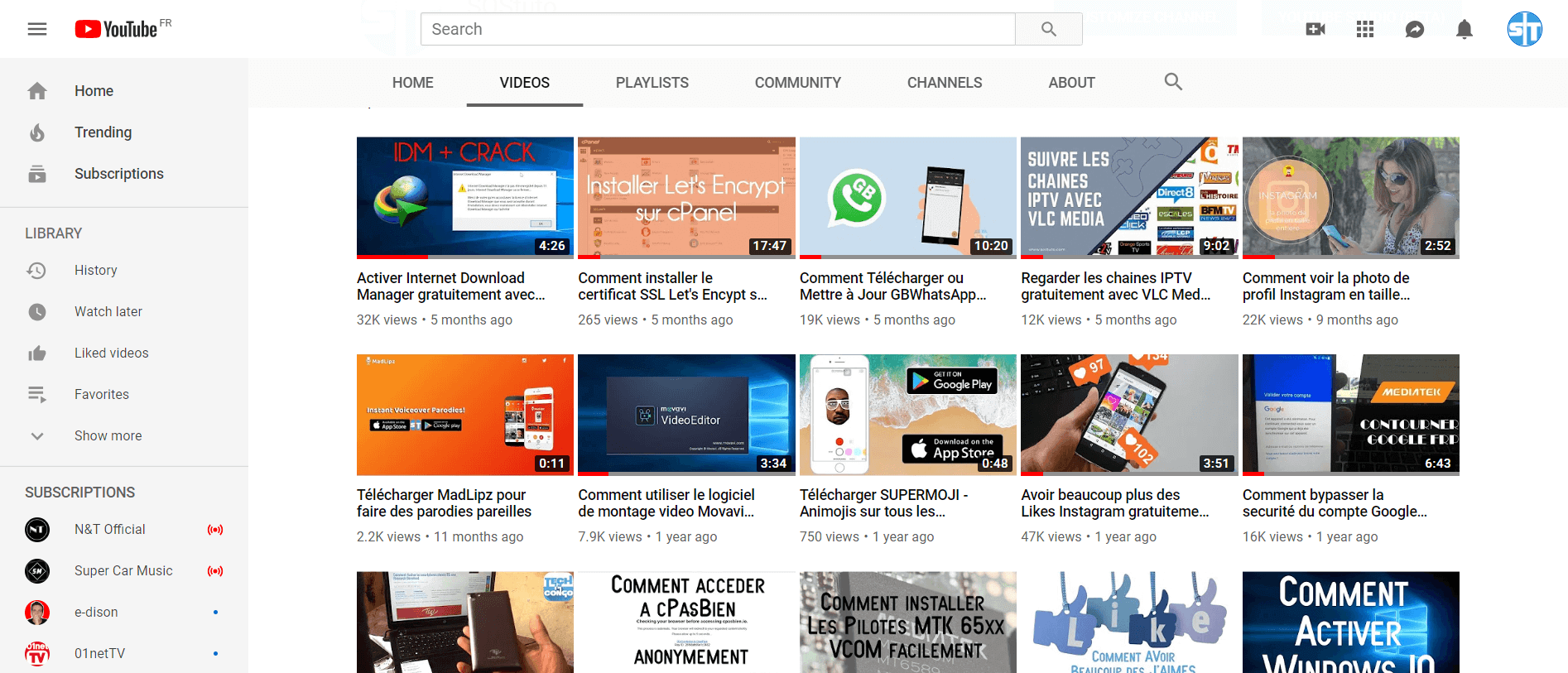
- When the video starts, the button " Download this video file "appears directly above the video.
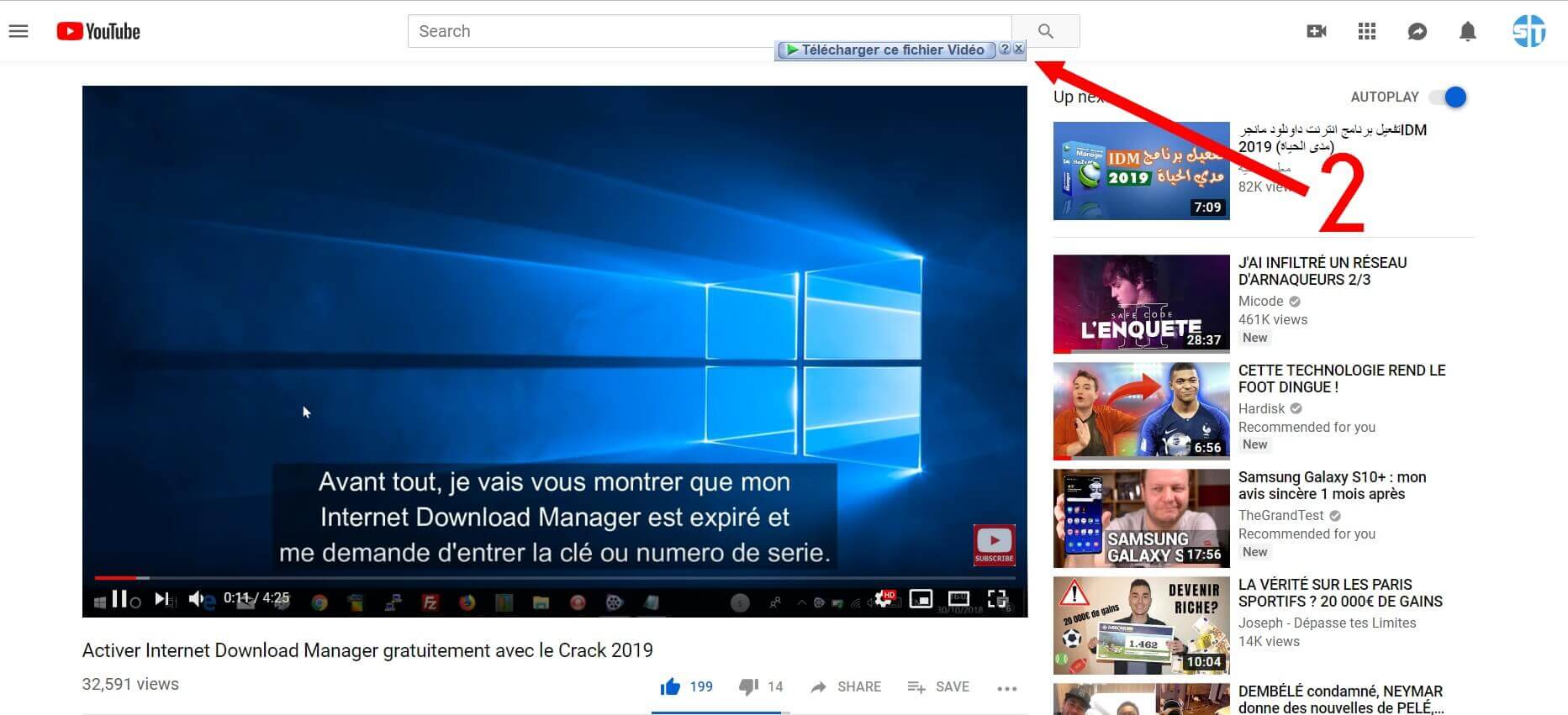
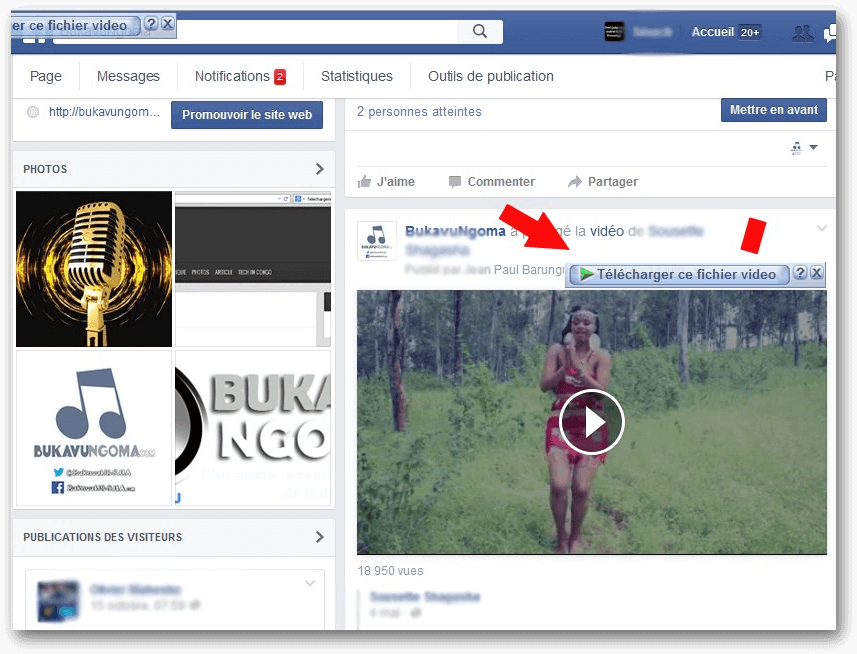
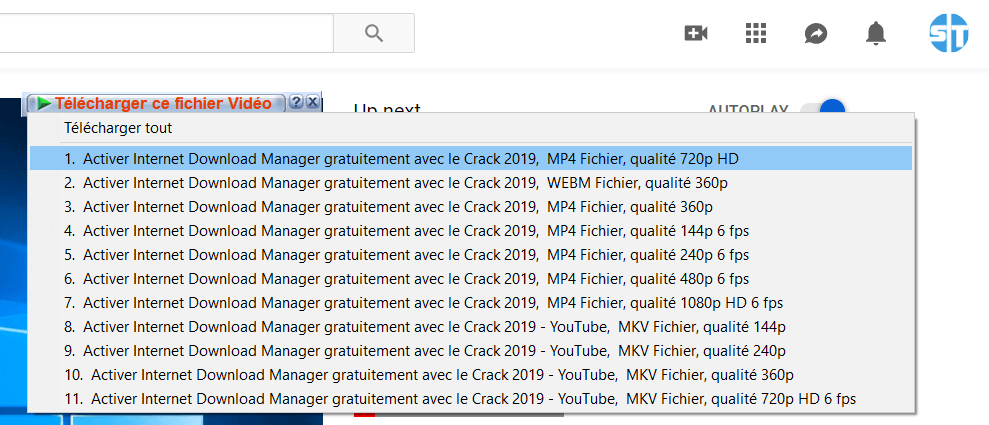
- Click on it and select the format (MP4, WEBM and MKV are the two types used by Google for the conversion and storage of videos on YouTube) and the resolution you want (360p, passing in 720p, 1080p up to 4K) and start the upload of the video.
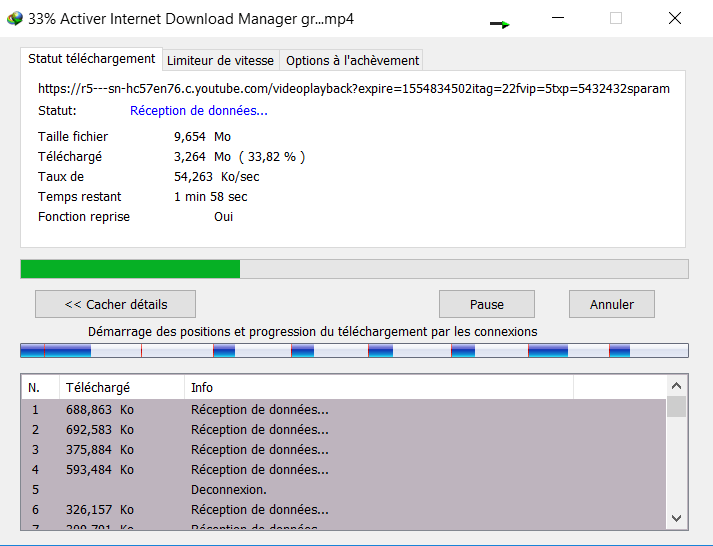
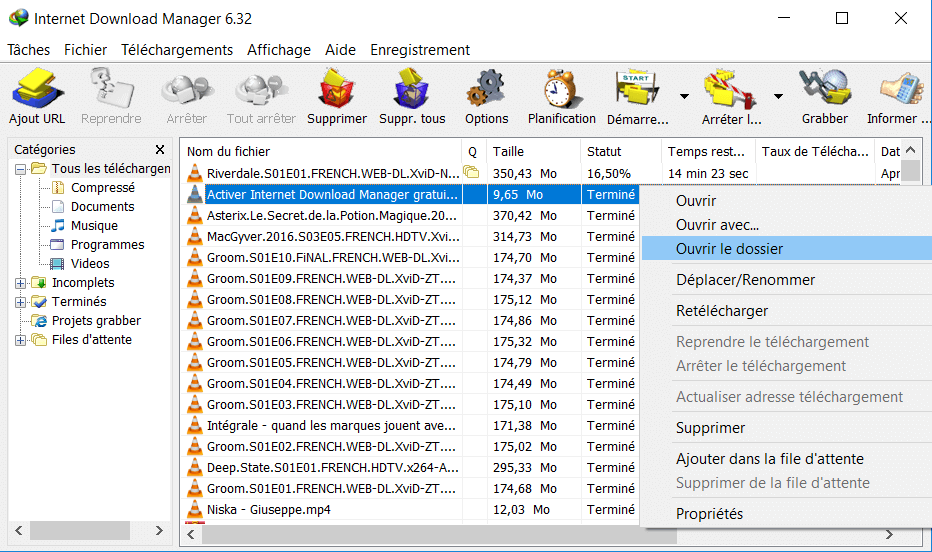
- Once the video is downloaded, you can open its location and read it with the player of your choice.
FAQ-Download Videos with IDM
The bar " Download this video file "with IDM does not appear
If the bar for downloading with IDM not showing up in YouTube or any other site, it is likely that you have a problem of integration of IDM in your browser.
It is explained in details here how to integrate the module IDM in Google Chrome, Firefox, and Opera.
Only the MKV format, and the resolution is 360p is available on YouTube
If the download button appears in YouTube, but only the MKV format is available with a resolution less than or equal to 360p, it is quite likely that you are trying to download a video that is protected by copyright.
It is most often of the videos, VEVO, clips official music. There is a method to download these videos in 1080p MP4. You want to know it, please let me know in the comment and I will write the tutorial.
Conclusion
Do you have a problem to download videos with IDM ? If yes, please describe the problem in comment, we will help you our best.
Leave a Reply